Transfer App

Secure Excel & CSV Uploads to Snowflake – Made Simple for Business Users

Transfer App lets non-technical users upload files directly to your Snowflake tables with validation, audit trails, and zero third-party data handling.

Transfer App provides many benefits, including:

  • A Robust User Experience

    • Familiar browser-based solution for file submission and reporting

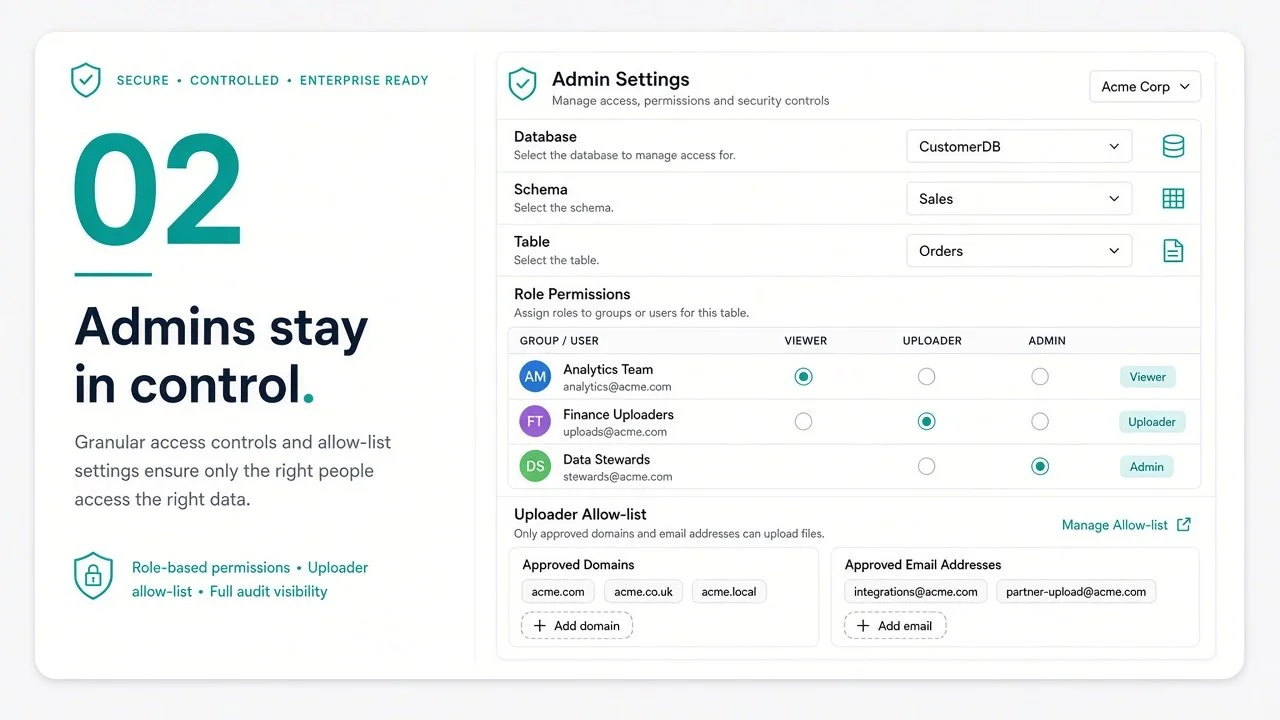
    • Secured by Snowflake authentication and role authorization

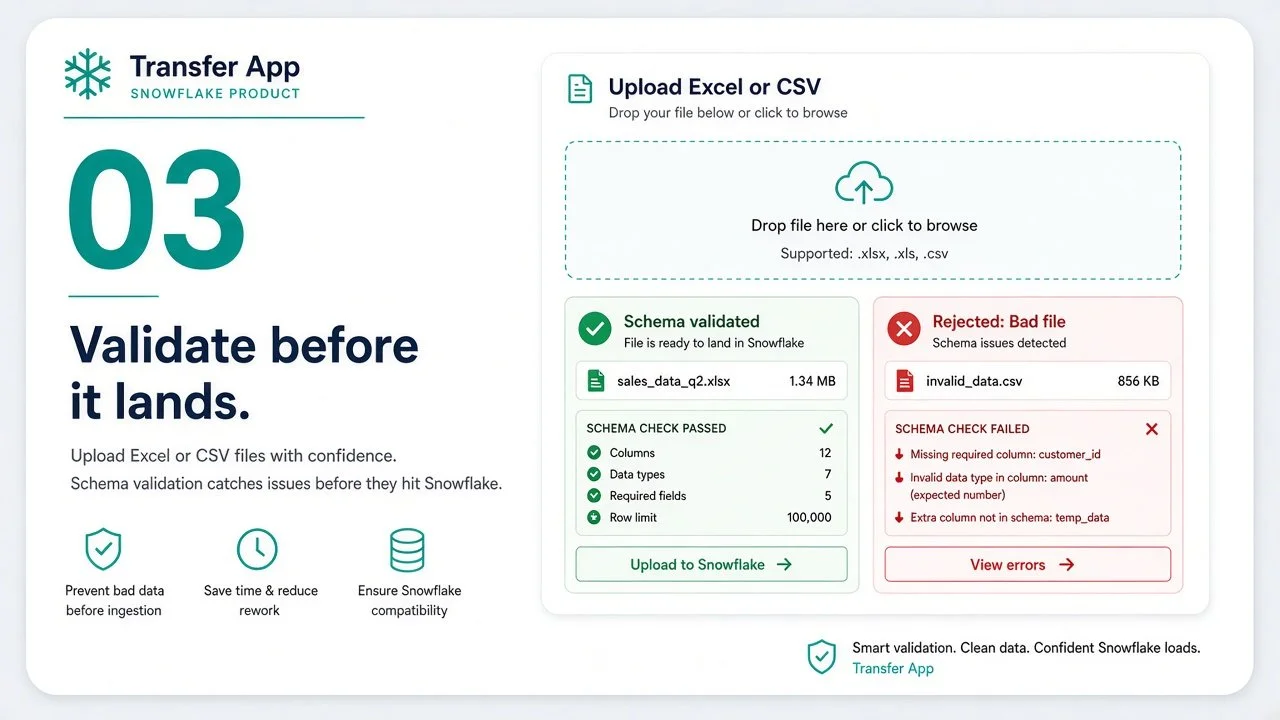
    • Immediate feedback to user on result of upload

  • Supports both Excel and CSV files

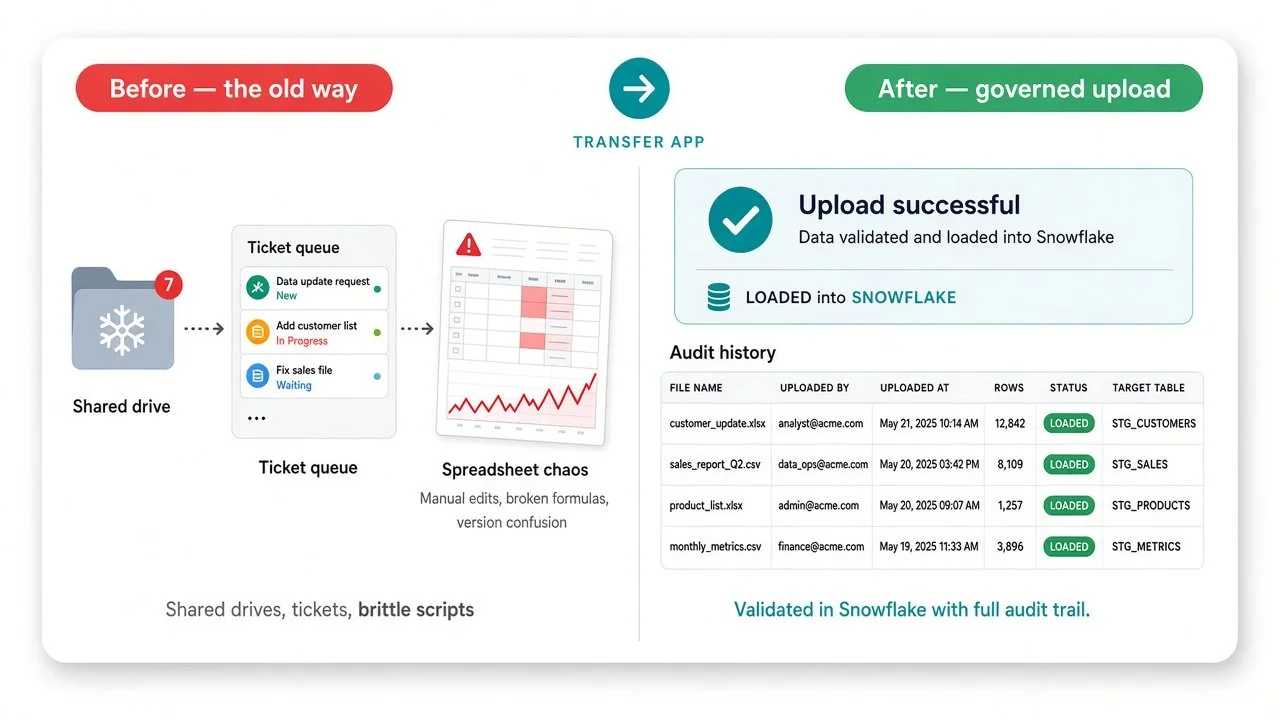
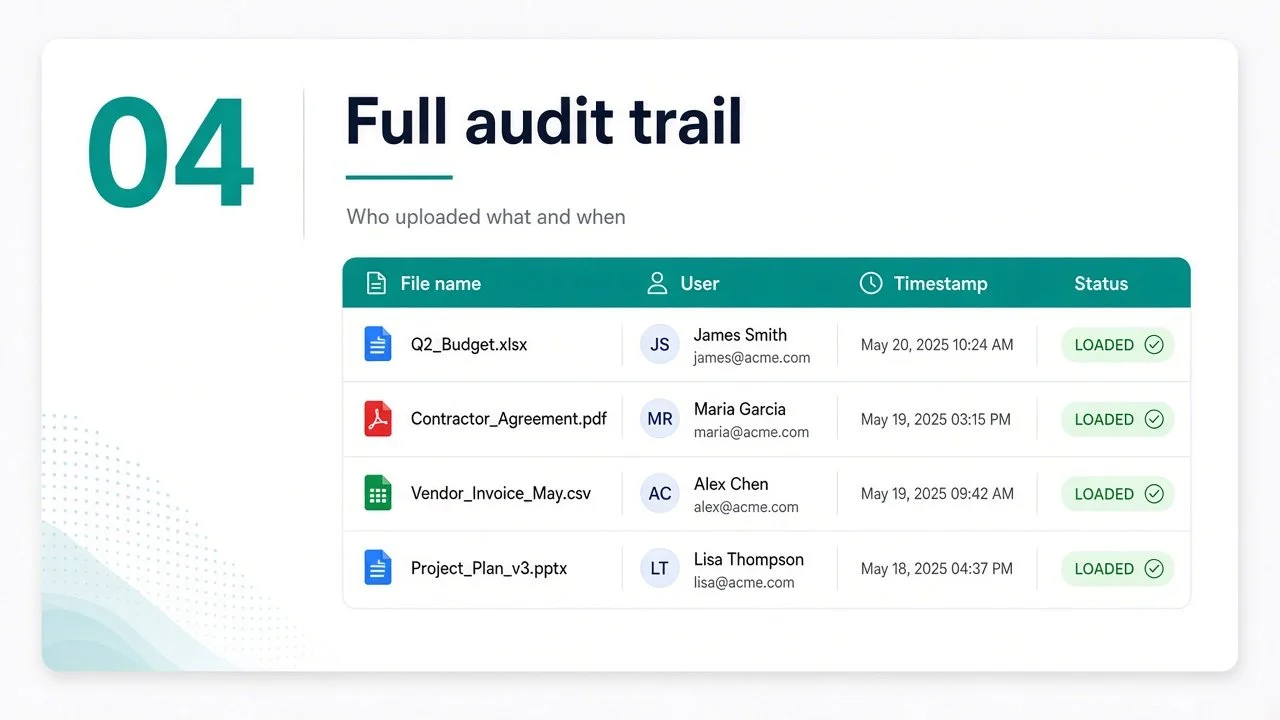
  • History of files that were uploaded

  • Ability to download previously uploaded files

Business process for file transfers:

  • Provides audit trail of what user uploaded a file, and when

  • Logs all file movement activity

  • Maintains a copy of every file that has been uploaded

  • Custom reporting of upload activity from shared views

Screenshot of a web application titled Transfer App with tabs Transfer, Upload, Report, Admin. The Upload tab is active, showing file upload options, a description of example data, and a table of upload history with details such as date, file name, status, rows parsed, rows loaded, uploaded by, error limit, errors seen, and download links.
Screenshot of the Snowflake Marketplace webpage with navigation menu on the left and main content about data products, apps, and AI products.

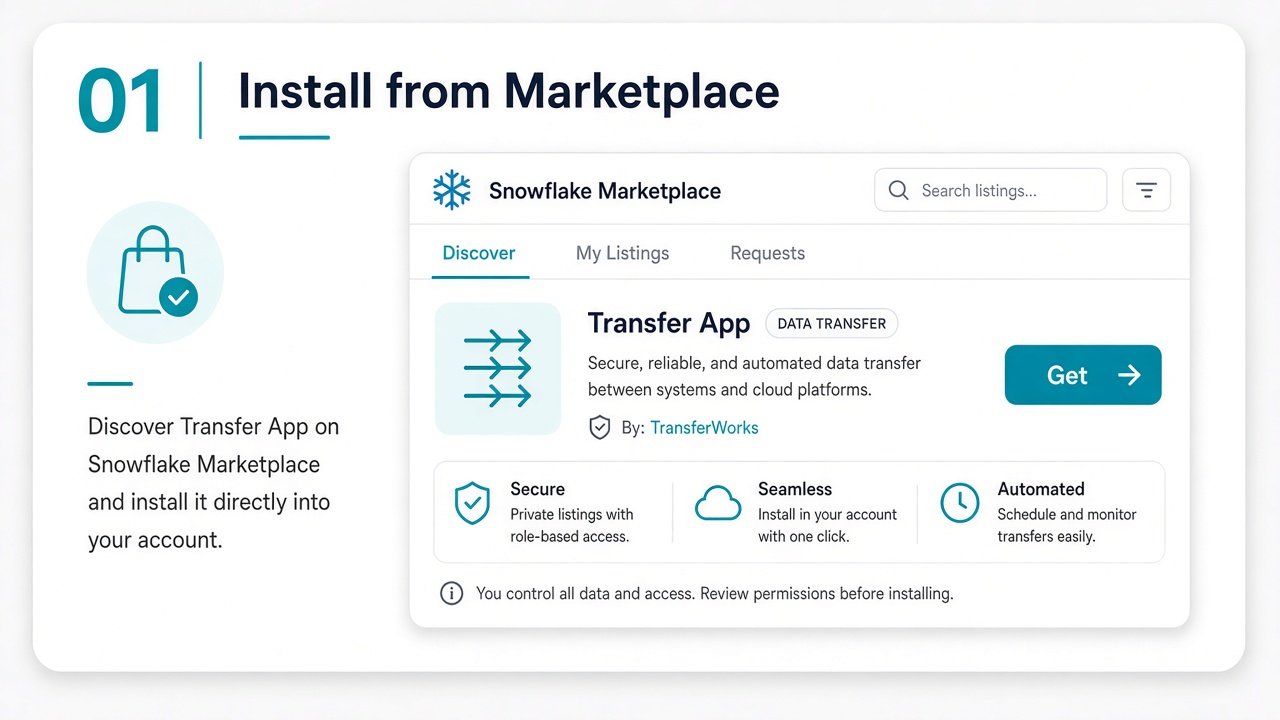
Find us on the Snowflake Marketplace

The Transfer App can be downloaded and installed from within the Snowflake marketplace.

  • Secured by Snowflake roles

  • End users do not need insert privileges on Snowflake tables

  • All files are stored outside the application in the account's own databases

  • All data remains in the customer's snowflake account, and never transits through a 3rd party